

Ask the agent
The agent can work on your PDFs for you. Open the folder with your PDFs (or open the PDF itself), open the agent and describe what you want. You don’t need to name a tool or a setting.What you get back
- A new PDF, such as a merged file or the pages you extracted, appears in the chat as a file card. View it, Download it, or click Save to a folder. See Document Creation.
- Several new PDFs, such as the parts of a split, appear together on one card. Click Download all for a zip, or Save all to a folder.
- A change to a PDF you already have, such as “rotate page 3 of this file”, is made to that file. The agent asks first and keeps the previous version. On a connected drive, see Undo on each drive.
What it can do
Merge
Split
Extract or delete pages
Rotate
Reorder
Compress
Watermark
Password-protect
Fill a form
Create a PDF
Pull text and tables out
Filling forms
The agent fills a form from your files. Point it at the form and at the document with the information, such as a profile, an ID or last year’s return. Forms with fields to fill in. Many official forms have boxes you can type into. The agent reads every field, including checkboxes, option buttons and drop-down lists, and fills them from your source. It can flatten the result, so the answers become part of the page and can’t be changed by accident, or leave the fields editable. Say which you want. Forms without fields. Many forms people keep, like a filed return, a signed application or a printed form, have no fields: the values are printed on the page. To change a value on one of these, the agent covers the old value and writes the new one in the same place, at a matching size. It looks at each changed page to check that every new value sits where the old one was, and tells you which values it changed and any it couldn’t place. Scans that are only pictures. If a form is a scan with no text on it that the agent can find, it can’t place new values reliably. It says so and stops, rather than giving you an unchanged copy under a new name.Limits
- Each PDF the agent works on can be up to 50 MB.
- A finished file up to 25 MB appears in the chat. A bigger one, up to 50 MB, can’t appear in the chat, but the agent can save it straight into a folder you name.
- A file you don’t save stays in the chat for 30 days.
- The preview can’t open password-protected PDFs. Download the file and open it in a PDF app to enter the password.
Free browser tools
The Drive AI also has 15 free tools for PDFs and images at thedrive.ai/tools. They run in your browser, so your files stay on your device, and you don’t need an account.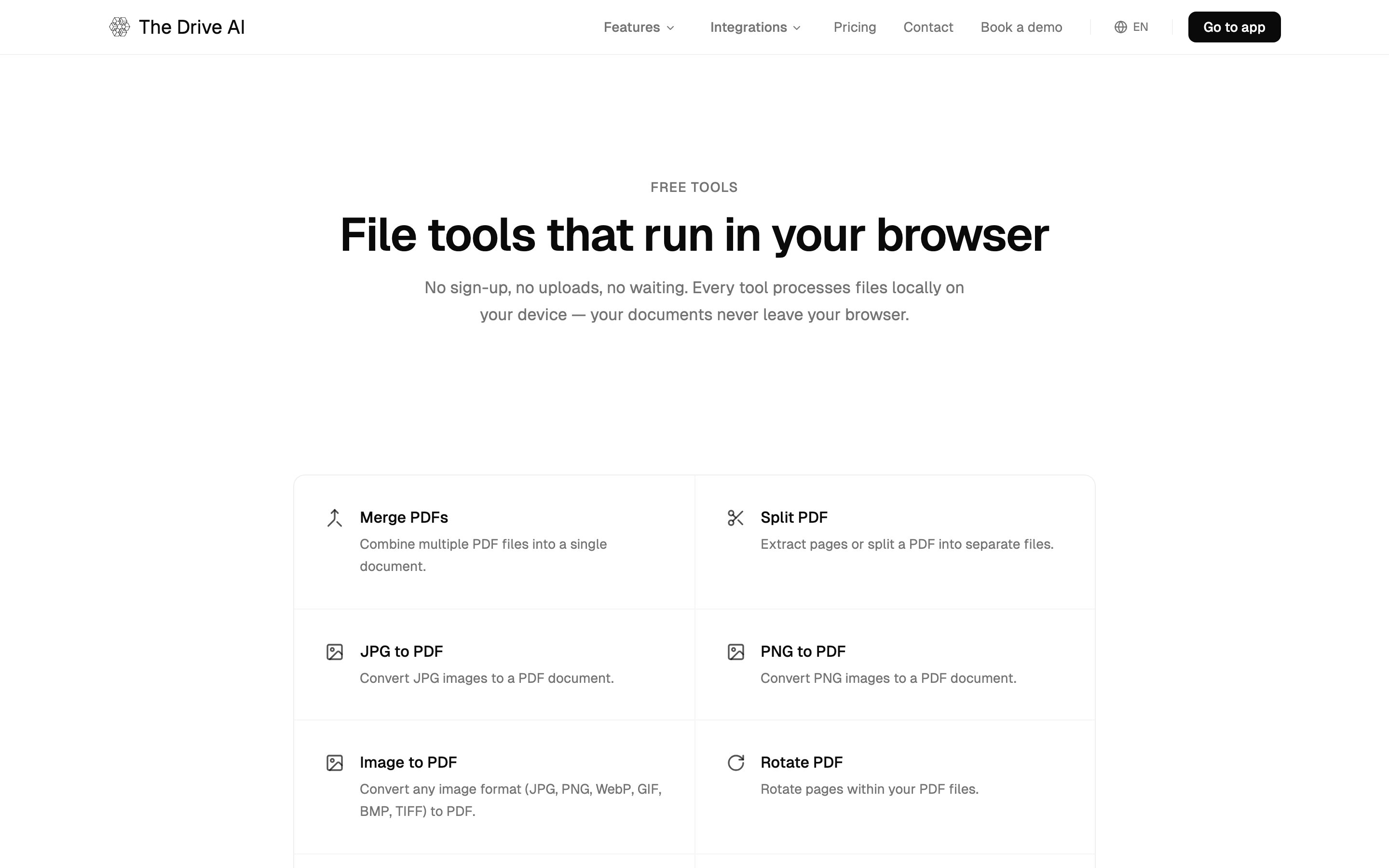
Sign PDF places your signature on a PDF yourself. To send a document for others to sign, use E-Sign.
What’s next?
E-Sign
Send PDFs for legally binding signatures.
Document Creation
Create documents, spreadsheets and presentations.